Terminal OpS Log

Every flight.
Accounted for.

One system for your fleet, flights, inspections and maintenance.
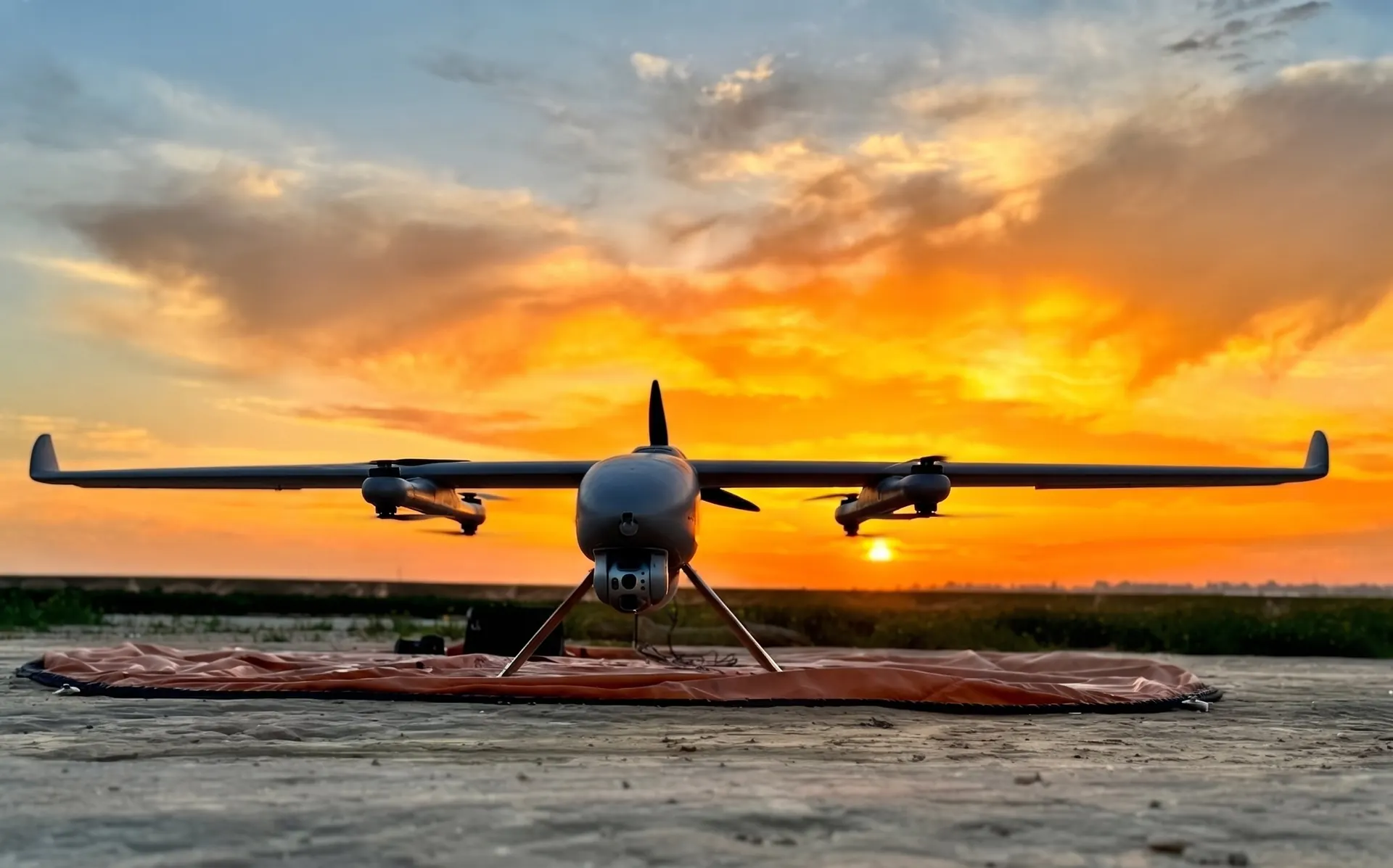
A VTOL aircraft on its landing pad at sunset

The whole fleet.
On one screen.

Fleet status Illustrative data
Ready to fly
18
In maintenance
4
Open issues
3
Inspections due
2
UAV-401Pre-flight completeReady
UAV-318100-hour inspectionMaintenance
UAV-207After-flight completeReady

One flight.
Start to finish.

  1. Pre-flightChecks are completed and recorded before take-off.
  2. In the airThe flight is logged with its aircraft and crew.
  3. After-flightThe after-flight check closes out the flight.
  4. Fault reportedAn issue opens a repair and stays in the aircraft history.

Inspections that keep their own calendar.

Pre-flight and after-flight checks, with a reminder before anything expires.

Pre-flight
After-flight
100-hour inspectionDue in 6h

From fault to fixed.

Report an issue, track the repair, and keep the whole history with the aircraft.
  1. Reported
  2. In repair
  3. Released
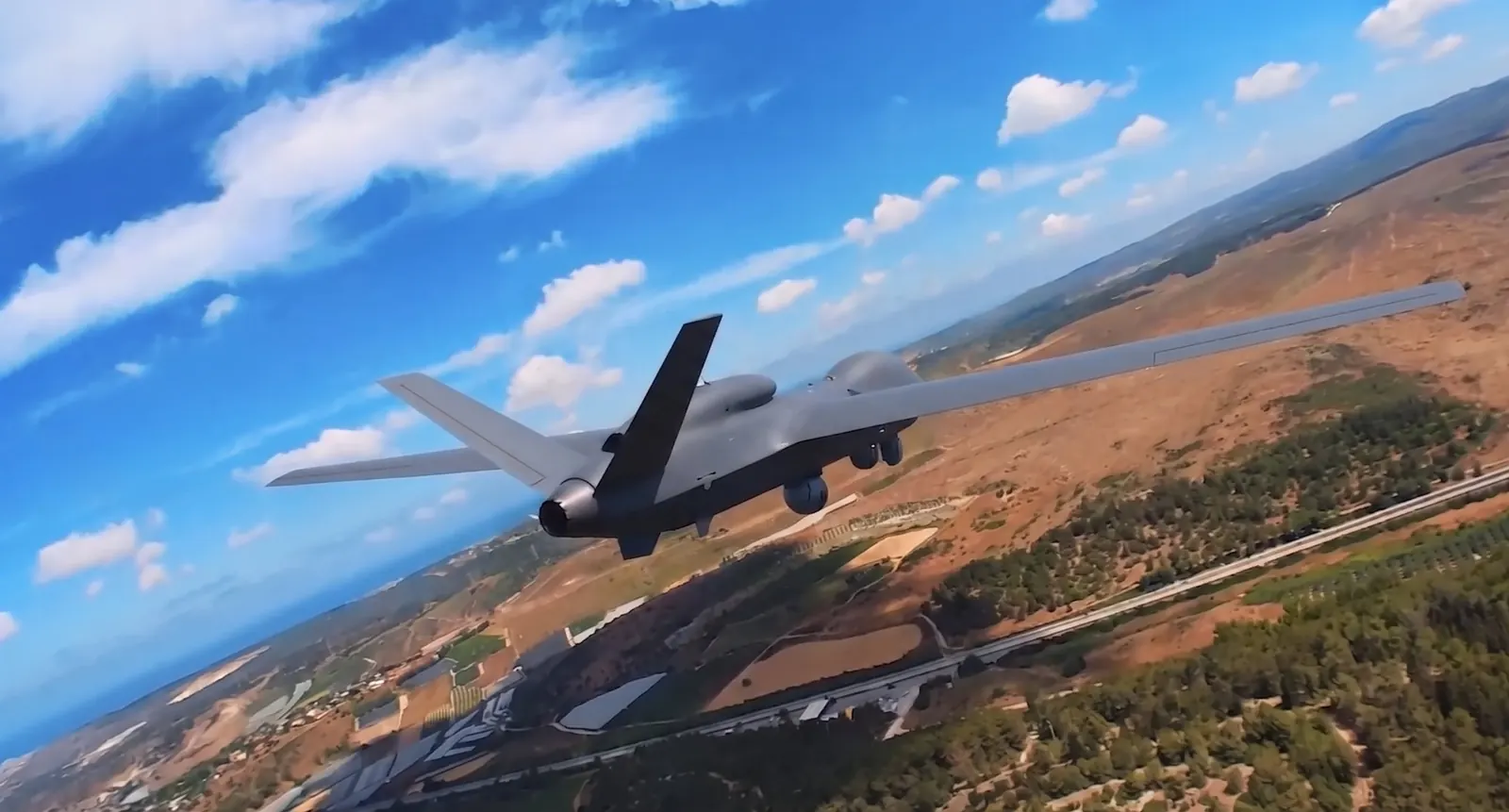
An unmanned aircraft in flight over open country

In the air or on the line.

Log it from a desktop, a tablet or the optional mobile app.

UAV-40101:24:07

Product visuals show illustrative data.

Your data.
Your server.

Runs on your own infrastructure, with role-based access and a full audit trail.

See it with your fleet.

Request a demo